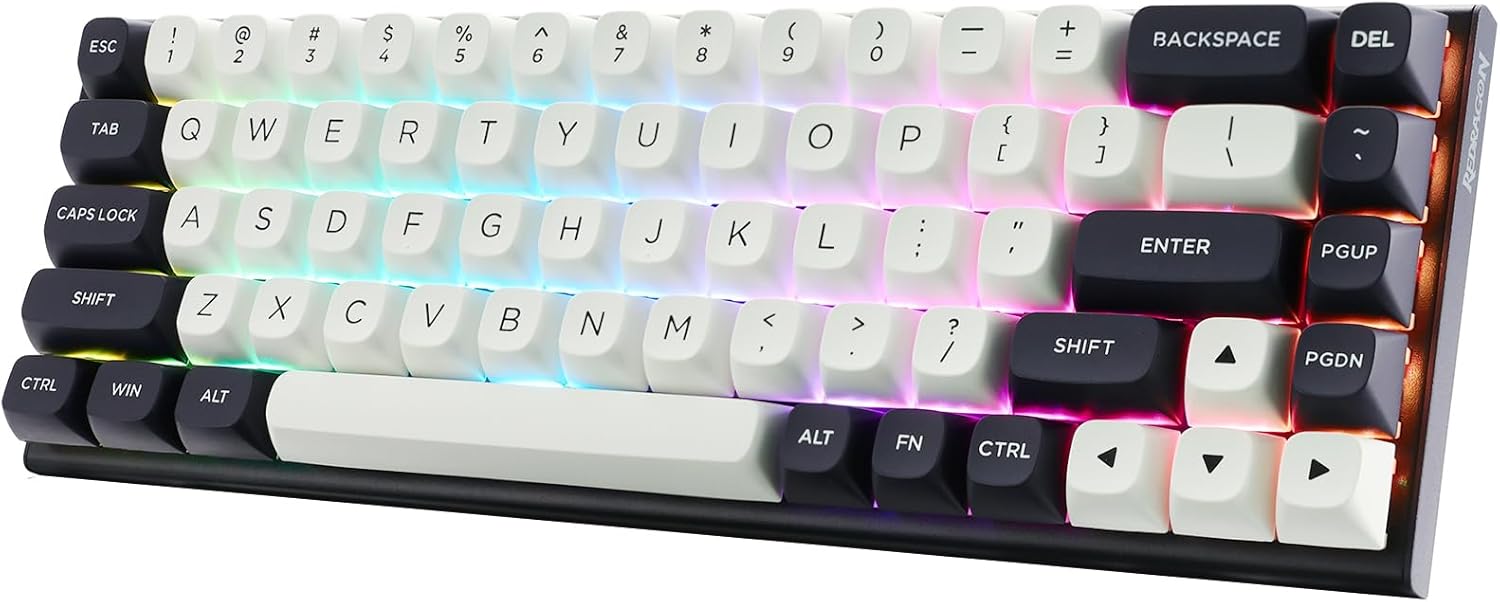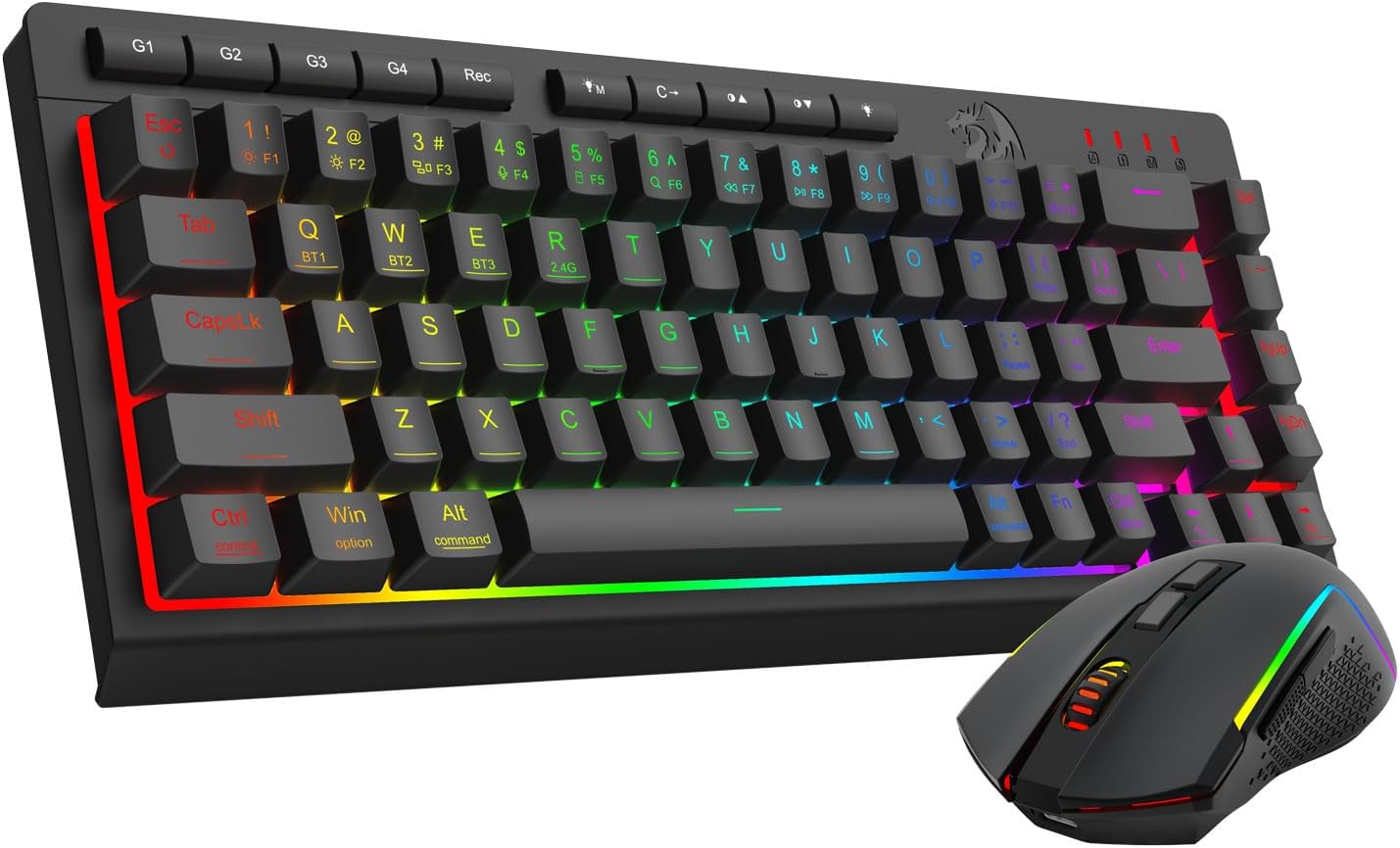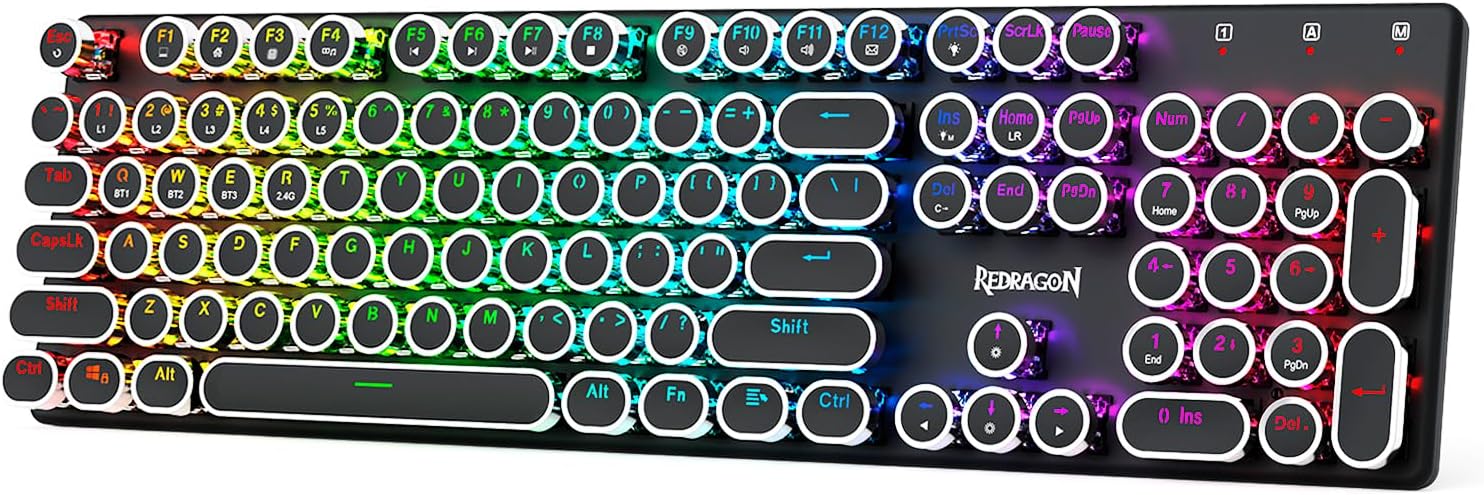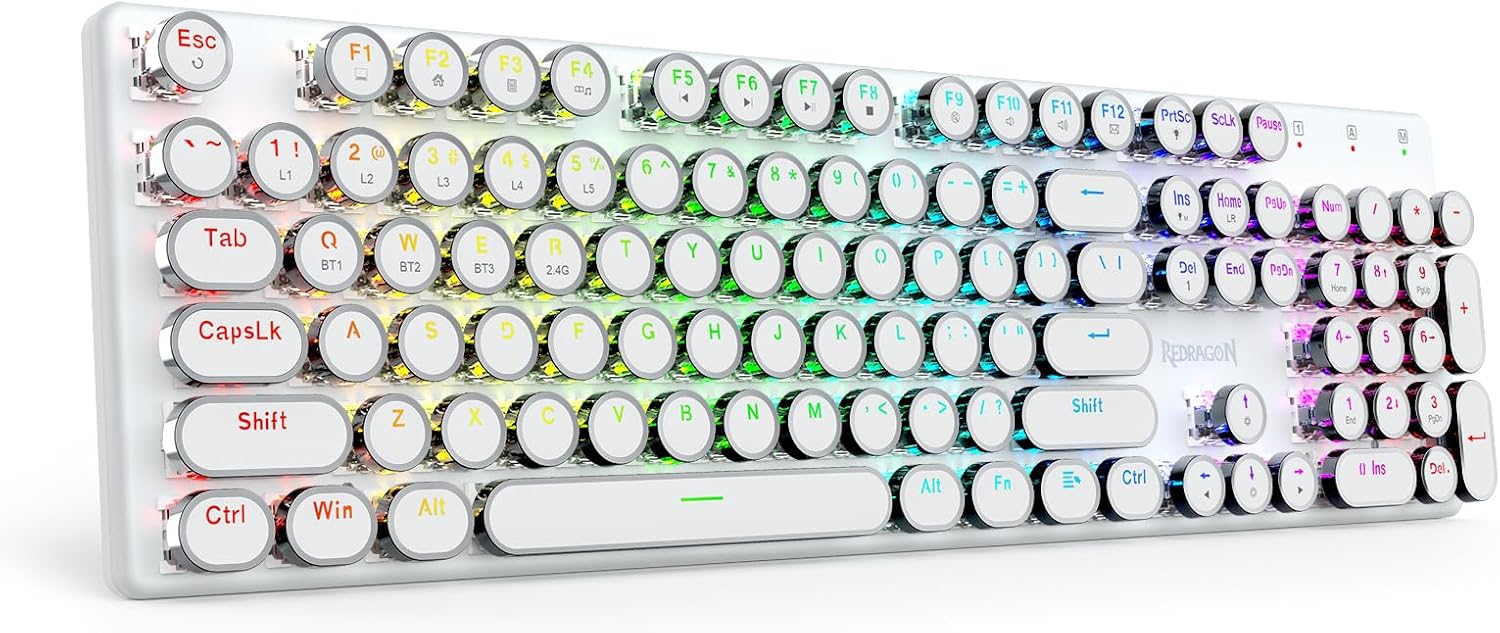
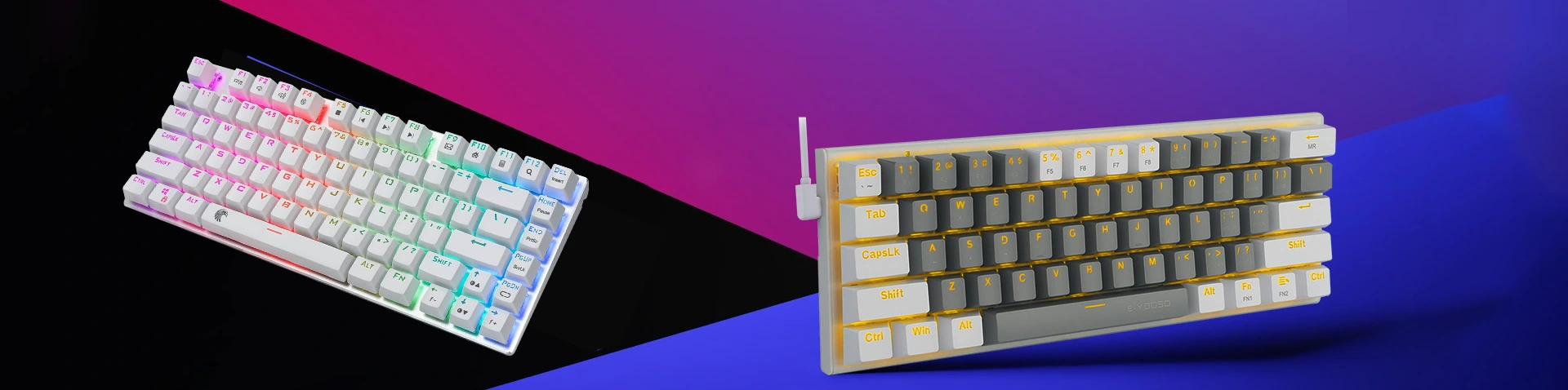
Wireless Mechanical Keyboard – Precision Typing with Modern Wireless Freedom
As modern workspaces and gaming environments continue to evolve, users increasingly demand input devices that combine high performance with flexibility. Keyboards are no longer simple typing tools; they have become essential components of professional workstations and gaming setups. A Wireless Mechanical Keyboard represents a perfect balance between advanced mechanical switch technology and modern wireless connectivity.
Mechanical keyboards are widely recognized for their precise actuation, durability, and satisfying tactile feedback. When combined with wireless technology, they offer both superior typing performance and the convenience of cable-free operation. A high-quality Wireless Mechanical Keyboard allows users to maintain a clean and organized desk while enjoying the responsiveness and reliability expected from mechanical switches.
This guide provides an in-depth overview of wireless mechanical keyboards, including their technical characteristics, performance advantages, ergonomic design, and practical applications.
What Is a Wireless Mechanical Keyboard?
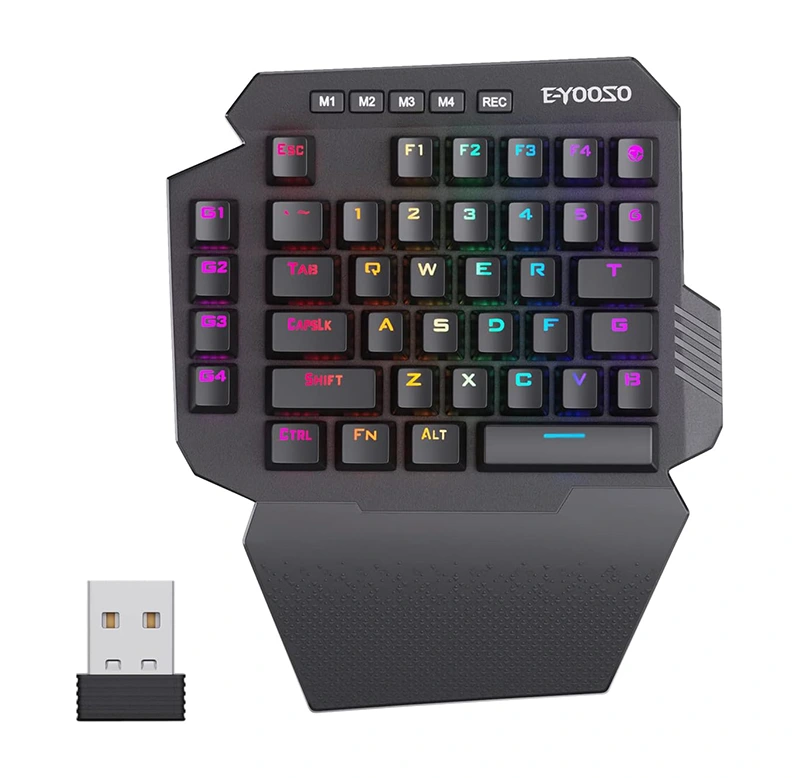
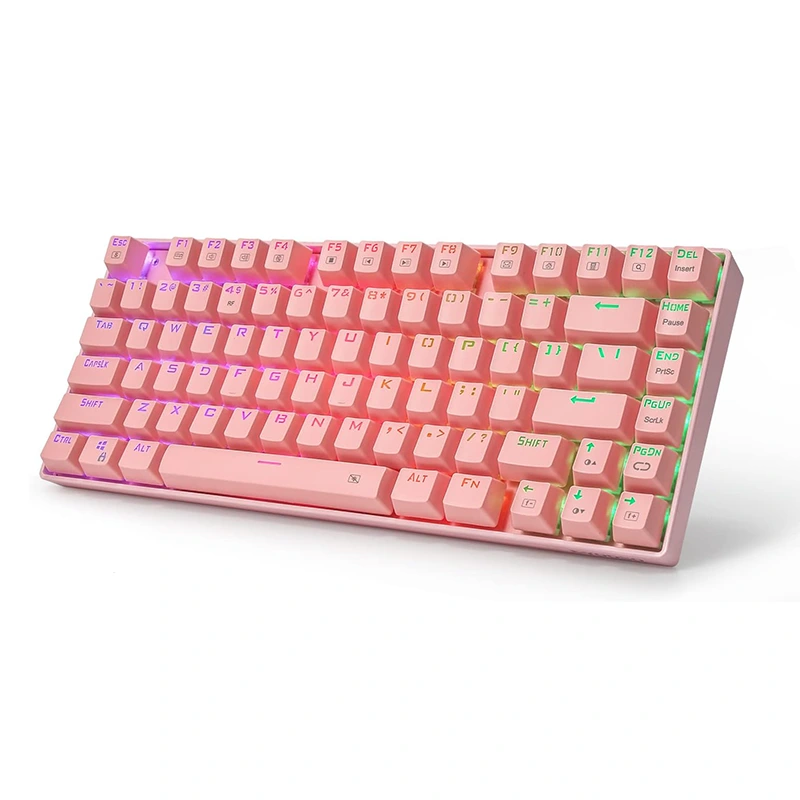
A Wireless Mechanical Keyboard is a keyboard that uses individual mechanical switches beneath each key and connects to devices through wireless communication technologies such as Bluetooth or 2.4GHz wireless transmission. Unlike traditional membrane keyboards, each key operates independently with a mechanical mechanism that registers keystrokes with high precision.
Mechanical switches contain internal springs and metal contacts that activate when a key is pressed. This design produces tactile feedback and a consistent actuation point, allowing users to type more accurately and efficiently.
Wireless connectivity allows the keyboard to communicate with computers, tablets, and other compatible devices without the need for cables. This makes the Wireless Mechanical Keyboard ideal for modern workspaces that prioritize flexibility, portability, and minimal clutter.
Key Features of a Wireless Mechanical Keyboard
Mechanical Switch Precision
The defining characteristic of a Wireless Mechanical Keyboard is its mechanical switch system. Each key contains an independent switch that provides clear tactile feedback when activated.
Mechanical switches are engineered for long-term durability and typically support tens of millions of keystrokes. This makes them significantly more reliable than standard membrane keyboards.
Users can choose from different switch types depending on their preferences. Some switches provide smooth linear movement, while others offer tactile bumps or audible click feedback.
Reliable Wireless Connectivity
Wireless mechanical keyboards typically use advanced transmission technologies to ensure stable connections. Many models support both Bluetooth and 2.4GHz wireless communication.
The 2.4GHz connection uses a USB receiver to maintain low latency and stable performance, making it suitable for gaming or high-speed typing. Bluetooth connectivity allows the Wireless Mechanical Keyboard to connect easily to laptops, tablets, and mobile devices.
Wireless operation usually supports a connection range of approximately ten meters, allowing users to maintain comfortable positioning within their workspace.
Long Battery Life
Battery efficiency is an important aspect of wireless devices. Many modern mechanical keyboards incorporate high-capacity rechargeable batteries combined with energy-saving technology.
Automatic sleep modes reduce power consumption when the keyboard is not actively used. This allows a Wireless Mechanical Keyboard to operate for extended periods before requiring recharging.
Customizable Backlighting
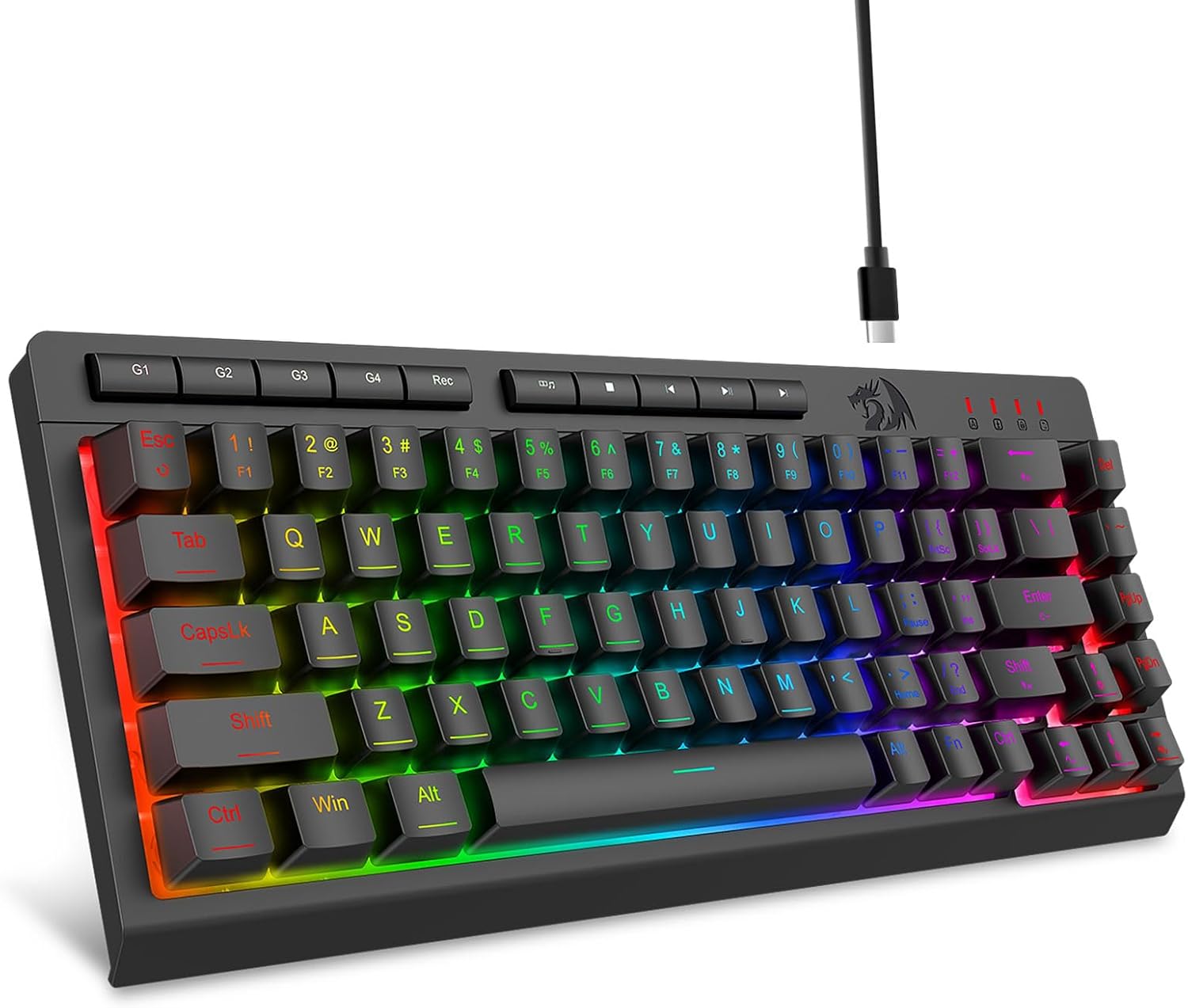
Many wireless mechanical keyboards include adjustable LED or RGB backlighting. These lighting systems allow users to personalize their keyboard appearance and improve visibility in low-light environments.
Lighting brightness and effects can usually be adjusted through onboard controls or software configuration.
Compact and Portable Design
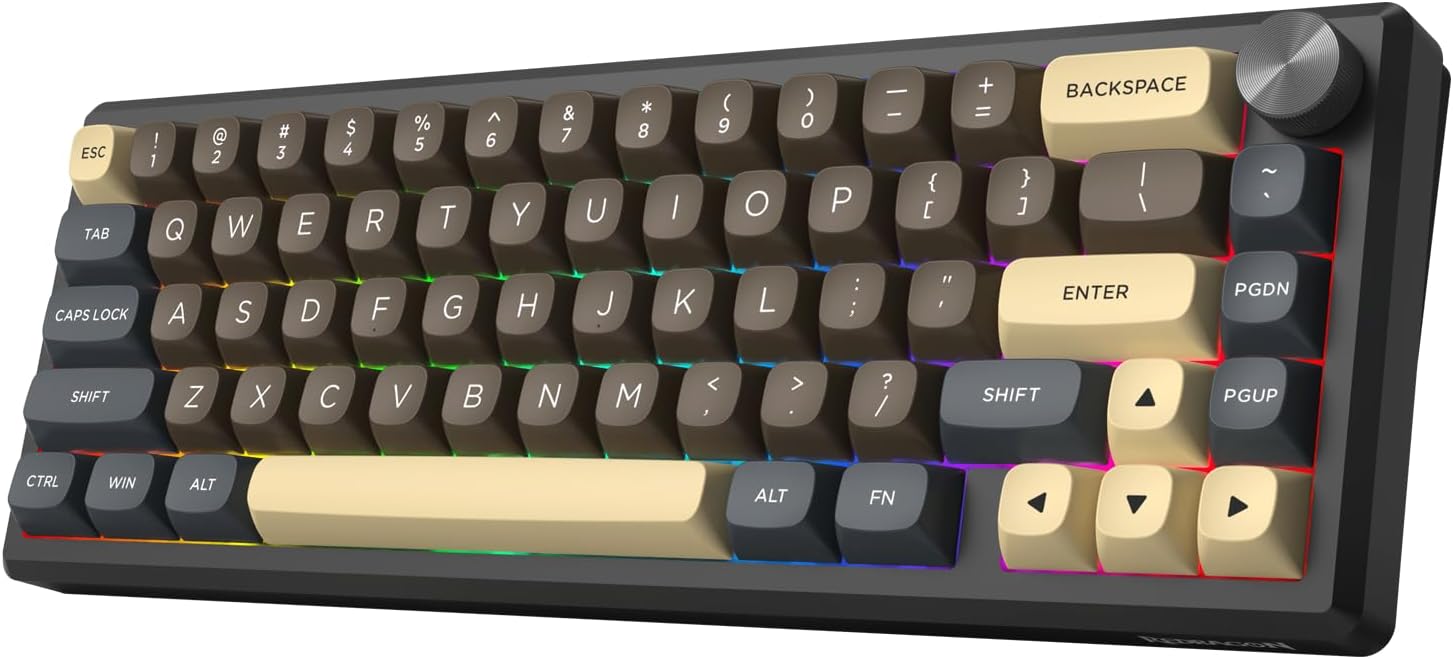
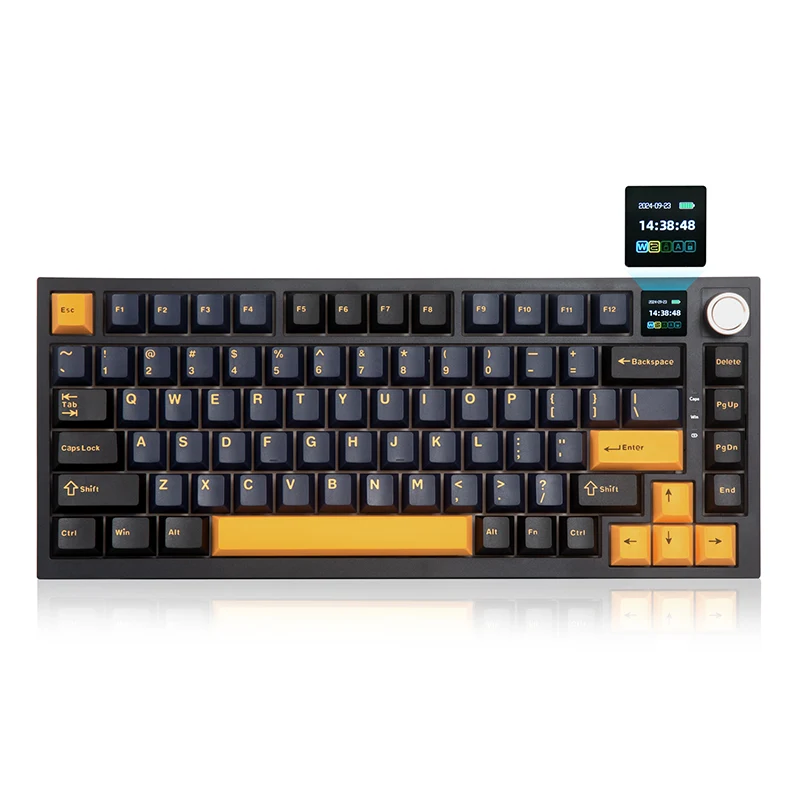
Wireless mechanical keyboards are often designed with portability in mind. Compact layouts such as tenkeyless or smaller configurations help reduce desk space while maintaining essential keys.
This design makes the Wireless Mechanical Keyboard suitable for users who frequently move between workspaces or prefer minimalist desk setups.
Technical Characteristics of a Wireless Mechanical Keyboard
A professional Wireless Mechanical Keyboard integrates multiple hardware components designed for reliable performance.
Mechanical switches typically have a total key travel distance of approximately four millimeters, with an actuation point near two millimeters. This provides responsive typing while maintaining comfortable key depth.
The actuation force required to register a key press generally ranges from forty-five grams to sixty grams depending on the switch type. This balance helps prevent accidental keystrokes while reducing finger fatigue.
Wireless connectivity is commonly achieved through Bluetooth or 2.4GHz radio frequency transmission. Dual-mode connectivity allows users to switch easily between different devices.
Polling rates in wireless keyboards are designed to ensure rapid communication between the keyboard and the computer. High polling rates reduce input delay and maintain smooth responsiveness.
The keyboard frame is often constructed from durable ABS plastic or aluminum alloy to provide structural stability and long-term durability.
Keycaps are typically manufactured from ABS or PBT materials. PBT keycaps are particularly valued for their resistance to wear and their ability to maintain clear lettering over time.
Rechargeable lithium batteries are commonly integrated into the keyboard body, providing extended operation without frequent charging.
Many models also include advanced firmware that allows users to configure key mappings, macros, and lighting effects.
Advantages of Using a Wireless Mechanical Keyboard
Freedom from Cable Clutter
A Wireless Mechanical Keyboard eliminates the need for cables, creating a cleaner and more organized desk environment.
Exceptional Typing Experience
Mechanical switches provide tactile feedback and consistent key activation, which improves typing accuracy and speed.
Flexible Multi-Device Connectivity
Wireless keyboards often support multiple devices simultaneously. Users can switch between computers, tablets, and smartphones without reconnecting cables.
Improved Portability
Wireless keyboards are easier to transport than wired alternatives, making them ideal for mobile work environments.
Long-Term Durability
Mechanical switches are designed for extended lifespans, ensuring that the keyboard maintains performance even after years of regular use.
Ergonomic Design and Comfort
Comfort plays an important role in keyboard usability, particularly for users who spend long hours typing or gaming.
A well-designed Wireless Mechanical Keyboard incorporates ergonomic elements that support natural hand positioning.
Many keyboards include adjustable tilt legs that allow users to modify the typing angle according to their preferences.
Key spacing is optimized to reduce typing errors and improve finger movement efficiency.
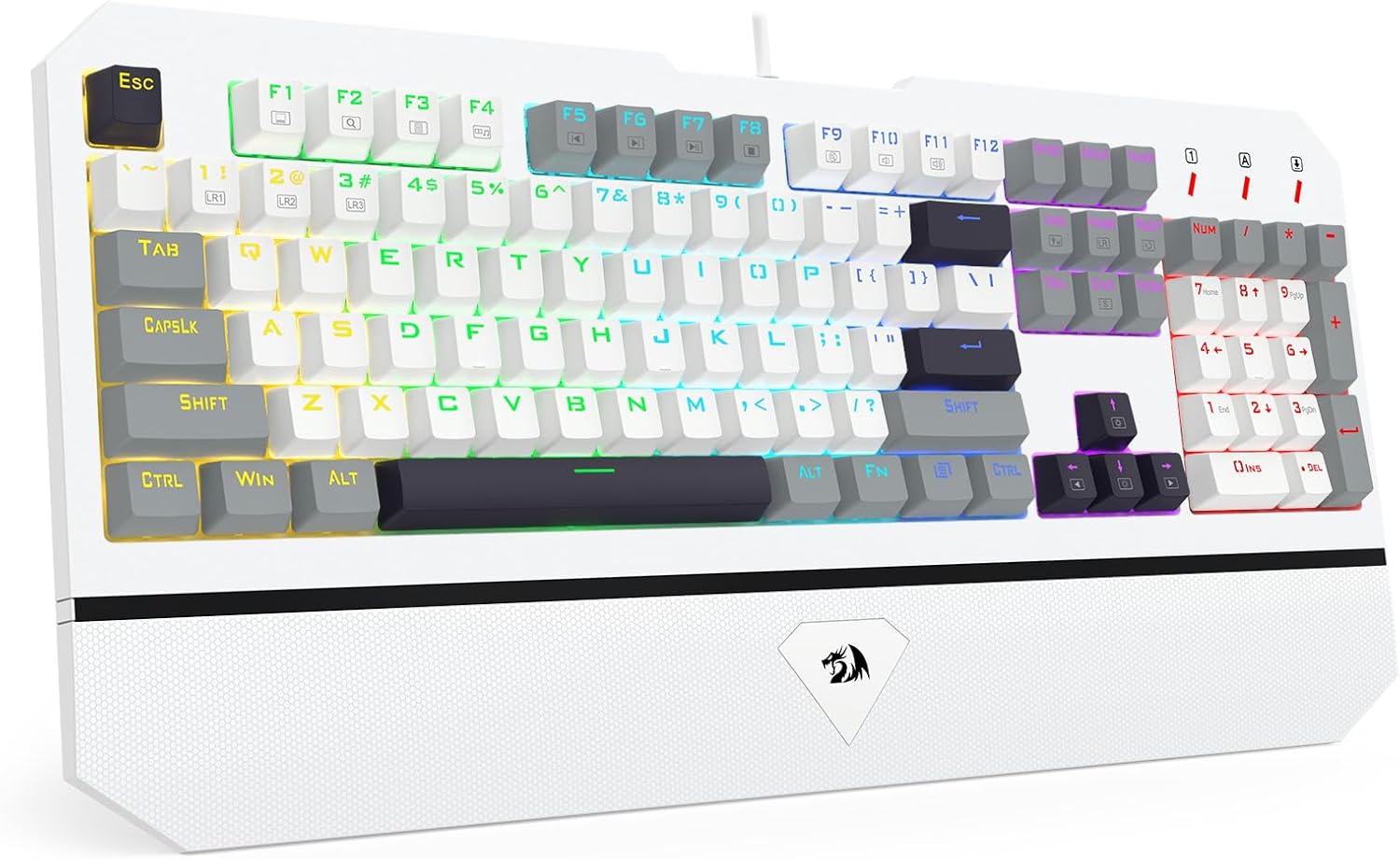
Some models include detachable wrist rests that provide additional support and reduce strain during extended use.
These ergonomic features help create a more comfortable typing experience while improving overall productivity.
Applications of Wireless Mechanical Keyboards
Professional Work Environments
In offices and remote work setups, a Wireless Mechanical Keyboard provides accurate typing and reliable wireless connectivity for daily tasks such as document editing and data entry.
Programming and Development
Developers often prefer mechanical keyboards because of their tactile feedback and durability during long coding sessions.
Gaming
Wireless mechanical keyboards with low latency provide responsive performance for many types of games.
Creative Work
Writers, designers, and content creators benefit from the precision and comfort offered by mechanical switches.
Choosing the Right Wireless Mechanical Keyboard
Selecting the right Wireless Mechanical Keyboard requires evaluating several key factors.
Switch type should be considered carefully because it determines the typing feel and sound level.
Battery capacity is another important consideration. A larger battery allows longer operation between charges.
Connectivity options should support the devices used most frequently, whether through Bluetooth or 2.4GHz wireless receivers.
Build quality is also essential. Keyboards with metal frames and durable keycaps typically offer longer lifespans.
Finally, layout preference should match the user’s workspace and typing habits.
Wireless Mechanical Keyboard FAQ
Q1: What makes a Wireless Mechanical Keyboard different from a standard keyboard?
A: A Wireless Mechanical Keyboard uses individual mechanical switches beneath each key instead of rubber dome membranes. These switches provide precise actuation, tactile feedback, and significantly longer lifespans. In addition, the keyboard connects to devices wirelessly, allowing users to maintain a clean desk setup without cables while still enjoying high-performance typing.
Q2: Is a Wireless Mechanical Keyboard reliable for gaming and professional work?
A: Yes, a Wireless Mechanical Keyboard is designed to deliver stable performance through advanced wireless technology. Many models support low-latency 2.4GHz connections or high-speed Bluetooth communication. This ensures that keystrokes are transmitted quickly and accurately, making the keyboard suitable for gaming, programming, and everyday productivity tasks.
Q3: How long does the battery last on a Wireless Mechanical Keyboard?
A: Battery life depends on the keyboard model, lighting settings, and usage patterns. A typical Wireless Mechanical Keyboard can operate for several days or even weeks on a single charge. Energy-saving features such as automatic sleep modes help extend battery life by reducing power consumption when the keyboard is not actively used.
Q4: Can a Wireless Mechanical Keyboard connect to multiple devices?
A: Many modern Wireless Mechanical Keyboard models support multi-device connectivity. Users can connect the keyboard to multiple devices using Bluetooth and switch between them easily. This feature is particularly useful for professionals who work across laptops, tablets, and desktop computers throughout the day.
Conclusion
The Wireless Mechanical Keyboard combines the performance advantages of mechanical switches with the flexibility of wireless technology. By delivering precise keystrokes, reliable connectivity, and ergonomic comfort, it has become a popular choice for professionals, gamers, and everyday computer users.
With durable construction, customizable features, and long battery life, a high-quality Wireless Mechanical Keyboard enhances productivity while maintaining a clean and modern workspace. Investing in a well-designed wireless mechanical keyboard provides long-term reliability and a superior typing experience for a wide variety of applications.